![IZEA-logo-vibe.png]](https://support.izea.com/hs-fs/hubfs/IZEA-logo-vibe.png?height=40&name=IZEA-logo-vibe.png)
Continue with Google allows you to log into your account using your existing gmail account.
Creating a New Account with Continue with Google
By using continue with Google to create a Creator Marketplace account, you will not need to go through the email verification process.
- From izea.com, select the
 icon and then either Sign Up or under Log In select The Creator Marketplace®.
 - You will then be presented with the following screen:
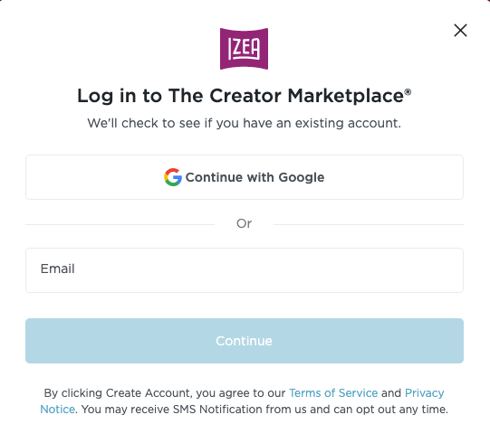
- Select, Continue with Google.
Logging Into Your Existing Account with Continue with Google
Important note: If you did not create your account with a Gmail email, please sign in using your existing user name and password.
If you have an existing Marketplace account that was created with a Gmail email address, you can simply select Connect with Google to log into your account. You do not need to enter your email and password.